 Novarexi
Collaboration — Collaboration
Bring your team or your client into the process. You can invite team members, define role-based permissions for who can approve content, and track the approval history transparently.
- Team member invites
- Role-based permissions
- Approval workflow
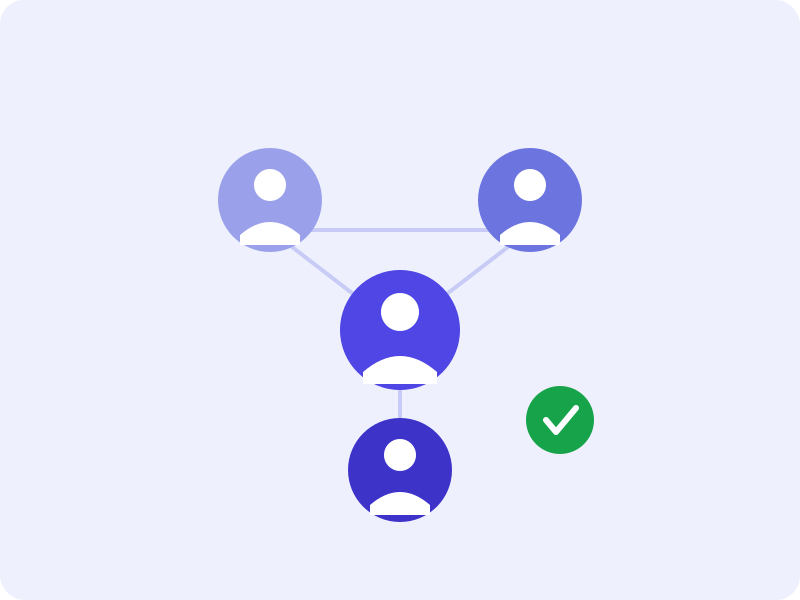
How the approval flow works
Every piece of content goes through four steps before it's published.
Propose
AI generates the next piece of content based on your brand profile and saves it as a draft.
Review
Once the draft is ready, you get a notification on your mobile app and web dashboard; you review the content.
Approve / Reject
Approve it as is, edit and approve it, or reject it and have it regenerated — the decision is entirely yours.
Publish
Once approved, your content is automatically posted to the connected social account when its scheduled time arrives.
Try this feature with your own brand
Setup takes a few minutes, and your first content will be ready for approval shortly after.